How Digital Tools Help Restore Lost Files From Portable Storage
Data loss from a portable drive can stop work fast. Photos vanish. Reports disappear. Many users feel panic in these moments. Software now plays a key role in fixing these problems. The right tools can scan damaged storage and find lost files. They can also rebuild file paths. This content explains how these tools work. It also explains why they matter. You will learn what to expect, what to avoid, and how to make smart choices.

Understanding Software Use With Drive Data Loss
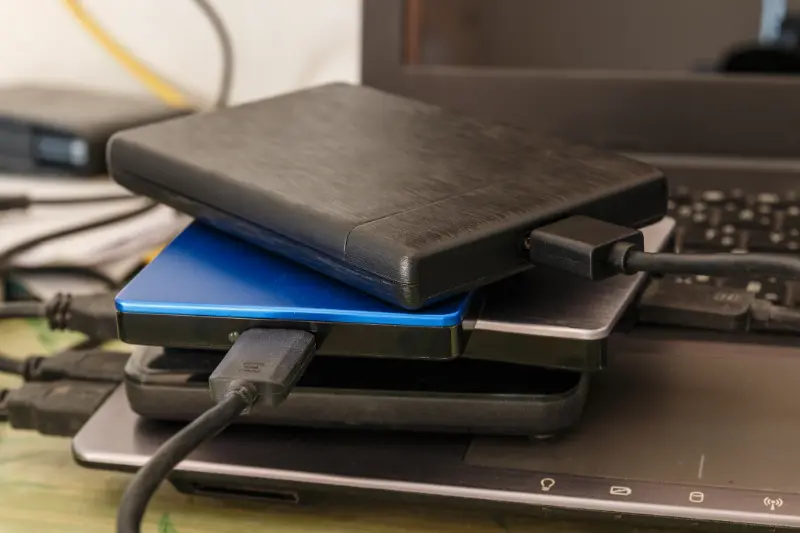
When a portable drive fails, software is often the first line of help. external drive recovery depends on programs that read raw data. These tools work even when files do not appear. They scan every sector of the drive. Many tools can detect file types like images or documents. This process helps you preview results. It also reduces guesswork and saves time.
Key Benefits With Dedicated Recovery Programs
external drive recovery improves results when done with proven software. These tools offer speed and control. They also reduce the need for risky manual steps. You gain the chance to sort results before saving. This reduces repeat work and stress.
- Fast scanning of large storage volumes
- Preview options to confirm file quality
- Read-only scans that protect original data
- Support for common file systems like FAT and NTFS
Common Problems With Failed Portable Drives
Many issues lead to data loss on portable storage. Users often remove drives without safe eject steps. Power loss can corrupt file tables. Malware can hide or encrypt data. Physical damage can also block access. These problems often appear without warning. Software helps diagnose the root cause before deeper action.
Step by Step Process With Recovery Software
Understanding the process helps set clear expectations. Most tools follow a simple flow. Each step builds on the last. Skipping steps can reduce success.
- Connect the drive using a stable port
- Launch the software and select the drive
- Run a full scan instead of a quick scan
- Review found files using preview tools
- Save recovered data to a new device
Best Practices With Safe Data Restoration
Good habits increase success rates and protect your data. Small mistakes can cause more loss. Experts suggest planning before every scan.
- Never install recovery tools on the same drive
- Stop using the drive once loss is noticed
- Use wired connections for stable transfer
- Verify recovered files before deleting anything
Industry Standards With Data Protection and Quality
Quality tools follow strict data handling rules. Many align with ISO data security standards. These standards focus on privacy and safe handling. Reputable software uses read-only access. This protects original data from change. Compliance also matters for business users. It helps meet legal and audit needs.
Cost Factors With Software Based Recovery
Prices vary based on features and license type. Free tools often limit file size or save options. Paid tools offer deeper scans and support. The real value comes from data saved. Compare cost versus data importance. For business data, the return often outweighs the price.
- Pros: lower cost than lab services, faster access
- Cons: limited help with severe physical damage
Moving Forward With Professional Support Options
Located in Woodland Hills, CA, we provide guidance for safe data restoration. Call (818) 732-8164 to discuss your situation with trained staff. MJ's Fast Laptop Repair supports users who need help choosing the right recovery path while protecting valuable files.