
Simple Signs That Tell You If Your Data Can Be Saved
In most cases, a flash drive is recoverable if your computer still detects it in some way. Even if you cannot open your files, there is often a path to get them back. The key is to check for warning signs like error messages, unusual sounds, or physical damage. If the drive shows up in your system but will not open, there is a good chance Flash Drive Recovery can help.
What You Need Before You Start Checking
Before you test your flash drive, gather a few basic items. This helps you avoid causing more damage.
- A working computer with updated software
- A second USB port or another computer
- A magnifying glass to inspect physical damage
- A notebook to write down error messages
Do not install random repair tools from the internet right away. Some programs can overwrite your data and make recovery harder.
Step-by-Step: How to Check If It Is Recoverable
Follow these steps in order. Stop if you notice serious physical damage.
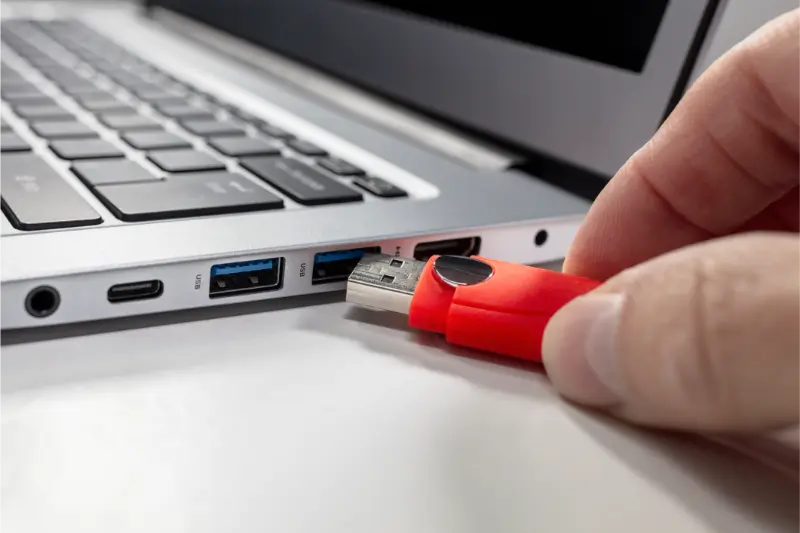
- Plug the flash drive into a working USB port.
- Listen for connection sounds from your computer.
- Open File Explorer and look for the drive name.
- If you see it, try to open it without copying or moving files.
- If you get an error, write down the exact message.
- Check Disk Management to see if the drive appears there.
If the drive appears in Disk Management but shows as unallocated or raw, your data may still exist. This is often a file system issue, not a total failure. That situation is common in data recovery jobs.
Common Signs Your Flash Drive Is Recoverable
Some symptoms are actually good news. They mean the memory chip may still be intact.
- The computer detects the device but cannot open files
- You see messages like ‘Drive needs to be formatted’
- The drive shows incorrect file names
- Files are missing but folders remain
- The device works only when held in a certain position
These signs often point to file corruption or minor hardware issues. Both can be handled with professional flash drive recovery tools.
Signs the Recovery May Be More Complex
Some cases are harder but not hopeless.
- The USB connector is bent or broken
- The drive is not detected at all
- There is a burning smell
- The drive got wet or crushed
If your computer does not detect the device in any way, the problem may involve damaged internal components. This usually requires advanced equipment used in a controlled lab setting. Standard repair methods will not fix this.
Common Mistakes That Can Ruin Recovery Chances
Simple errors can make your data harder to retrieve. Avoid these actions:
- Formatting the drive when prompted
- Running repeated repair scans
- Opening the flash drive casing yourself
- Continuing to plug in a shorted device
Formatting does not erase everything right away, but it can overwrite file records. Each failed repair attempt lowers the odds of full recovery. If the data matters, stop using the drive as soon as you notice a problem.
When to Call a Professional
If your flash drive contains business files, family photos, school work, or legal documents, do not take risks. A professional can diagnose the problem safely. This is especially true if the device is physically damaged or completely undetected. Experts use specialized hardware tools and clean work areas to extract data directly from memory chips when needed. That level of flash drive recovery is not something home software can handle.
Get Help Before the Damage Gets Worse
If your flash drive is acting strange in Woodland Hills, CA, stop using it right away. At MJ's Fast Laptop Repair, we handle Flash Drive Recovery cases every week and use safe methods to protect your files. Our team can test your device, explain your options, and guide you through the next steps. Call us at (818) 732-8164 to find out if your data can still be saved.